Ticketing System
Creating and supporting an OSTicket installation.
Technologies Used: MySQL, XAMPP, CSS
Contact Book PowerApp
Creating a contact book to aid Support Technicans.
Technologies Used: MS PowerApps
Weather App
A modern Weather app.
Technologies Used: HTML, JS, TailwindCSS, API
2026 Educational Portfolio
My 2025/2026 school year portfolio.
Technologies Used: HTML, JS, TailwindCSS, Figma
Scheduleo
Worker Scheduling based on Bookeo.
Technologies Used: HTML, JS, TailwindCSS, Figma
OSTicket
Overview
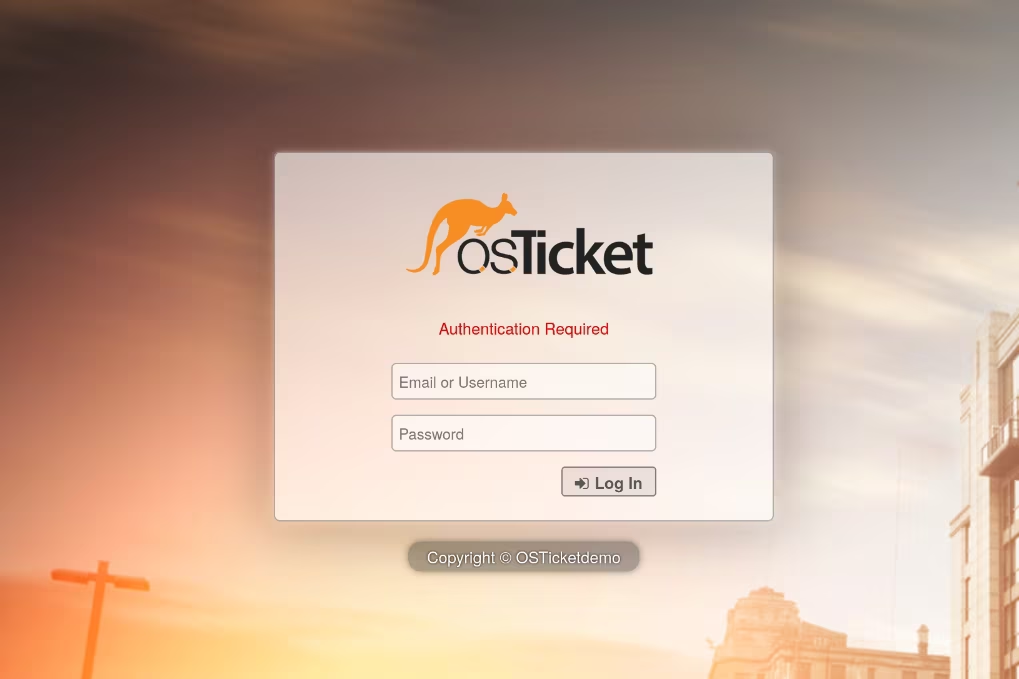
This project involved the installation and setup of an instance of osTicket. This project allowed me to gain first-hand experience in initializing and configuring servers, using technologies such as MySQL for database integration. This project showcases my abilities in general system administration and real-world deployment of web-based systems.
Configuration
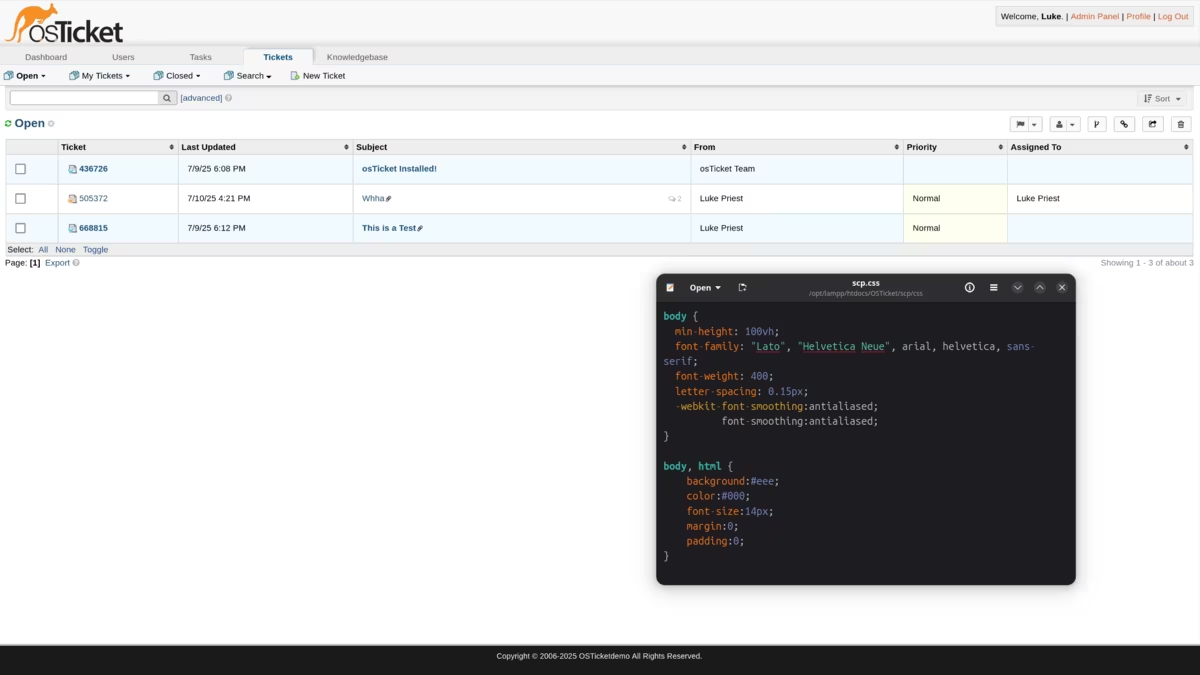
While I was configuring user accounts, tickets, and other settings, I began to realize that the styling of osTicket was rather outdated. I decided to dive in deep into the staff side styling I spent a few hours updating the styling for a more resposive website. I was rather unsatisfied with how complicated configuring the styling.
Pre-made Themes
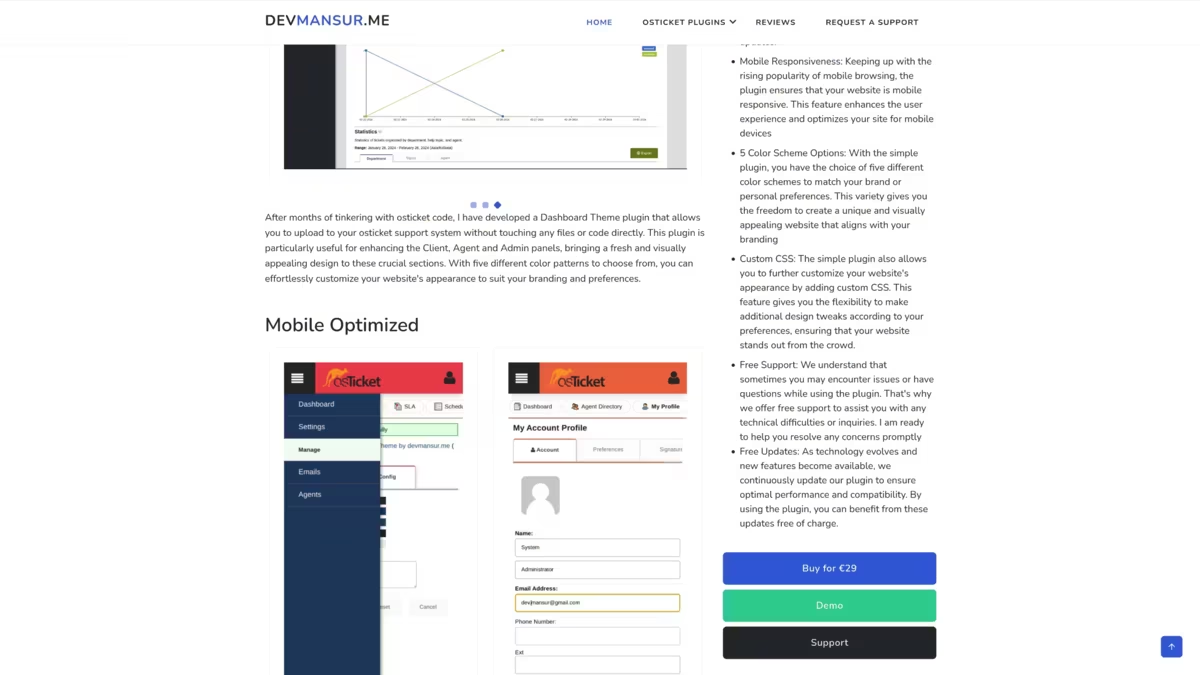
As I often turn to pre-made libraries for my code, such as Tailwindcss which is a framework for the entirety of this website. I decided to search online for themes for osTicket. I found that there wasn't many good FOSS repositoriesm but I found many licensed themes that I would use if this was a permanent installation.
Contact Book PowerApp

Overview
Now that we have a ticketing system it seems like theres a lot of tickets coming in. The team can’t keep up where everyones’ work station is. So, I'm going to quickly make a phone book like app in PowerApps so we can keep track where everyone is.
Data
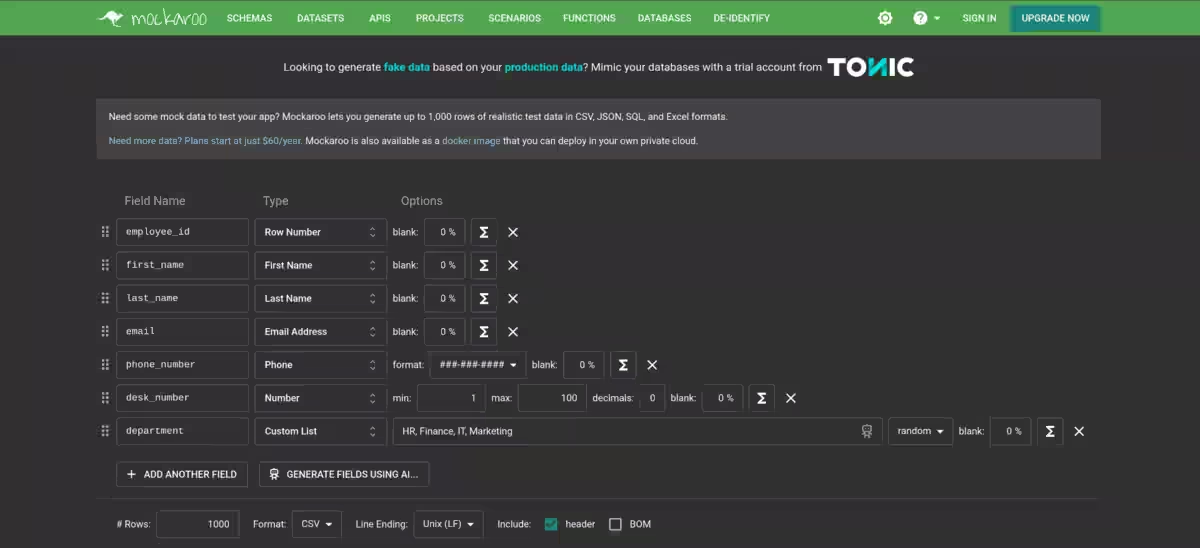
Obviously we need some mock data to get this working as this is just a scenario. So I’ll be using mockaroo to make a list of data. I choose to have it export the data into a CSV file, I would use SQL but I really don’t want to setup a SQL server and PowerApps’ Tables seem pretty good even with just a CSV file.
App Setup
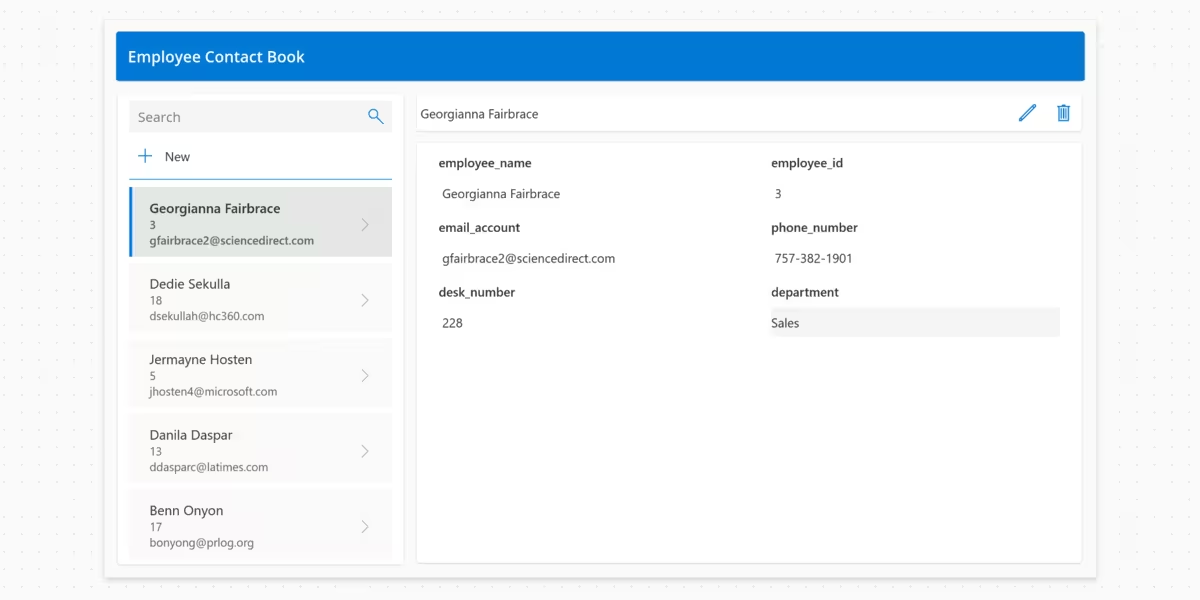
After importing my CSV file in the PowerApps table, I was genuinely impressed with the application Power Apps automatically generated. I took few minutes to tweak it to look something like this which easily display's email, phone, and desk location information all on mobile device for in-field technicians.
Conclusion
This is a quick demo of the app I was able to generate in about 45 minutes. By far the quickest functional app I have ever made. This allows my IT Support Technicans to easily enteract in various forms of communications with users. This could easily save techs time looking for their users that need support.
Ubuntu Homelab
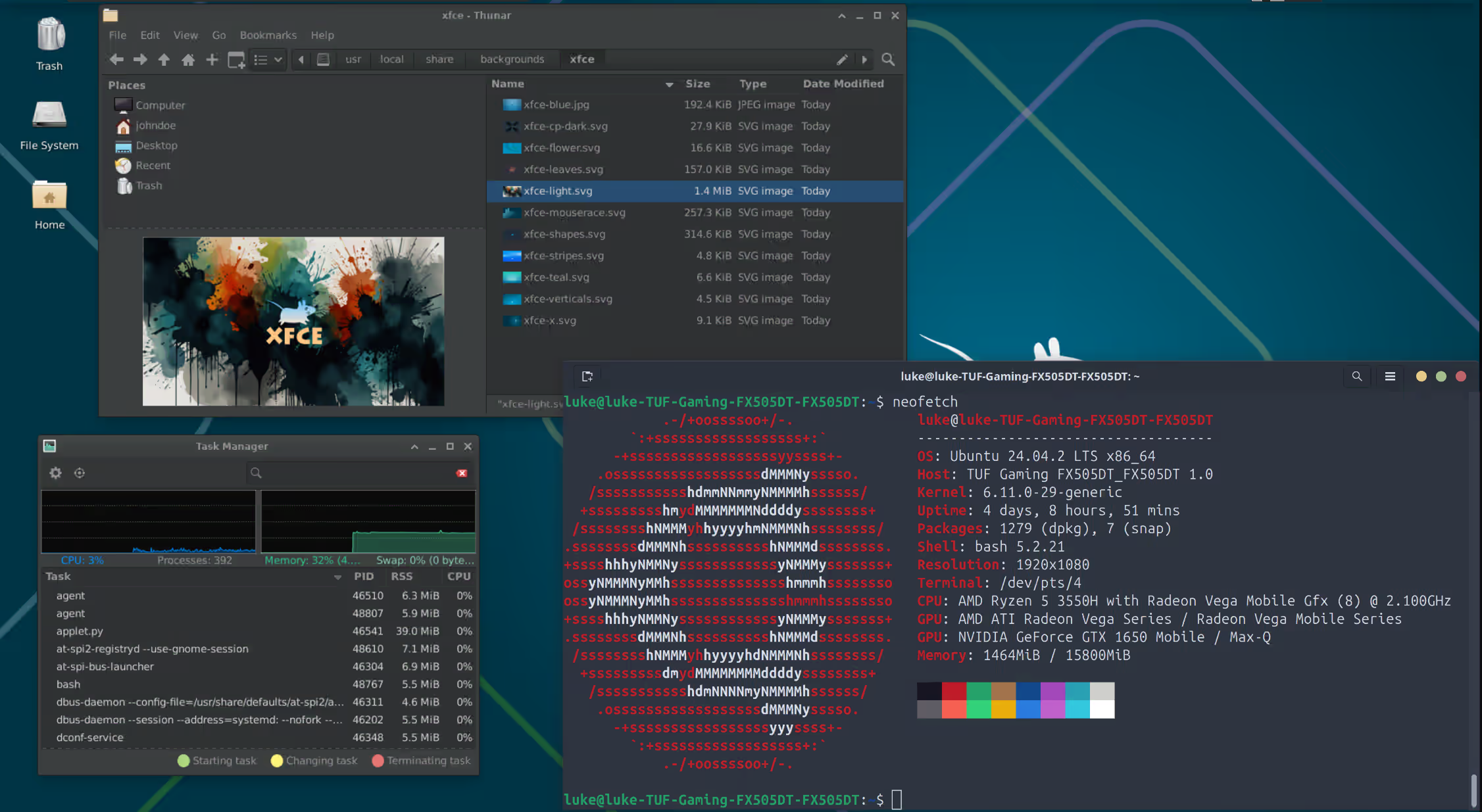
Overview
...